









Description
Download The Art of Rap – Rap Lovers, Hip-Hop, Music Creation, Beatboxing, Creative Tool
Overview
The Art of Rap is a desktop application designed for individuals passionate about hip-hop and rap music. Built around the themes of the documentary film of the same name, the software offers a creative platform where users can record original raps over curated beats from iconic artists such as 2Pac, Cypress Hill, and Snoop Dogg. The app serves as a digital studio for both amateur and experienced rappers who wish to experiment with lyrical improvisation and vocal performance. It is particularly suited for music enthusiasts, aspiring artists, and educators using hip-hop as a tool for creative expression. The software allows users to listen to instrumentals, layer their own vocals, and share their creations with a community of fellow creators. While the app is rooted in the cultural and artistic legacy of the documentary, its functionality focuses on personal expression and music production. The developer did not provide additional background on the organization behind the software. Real-world usage scenarios include solo creative sessions, collaborative music projects, classroom activities, or informal gatherings where users test their lyrical skills. The app supports both free and paid content, offering a mix of accessible and premium beats to cater to different user needs.
Key Features & Capabilities
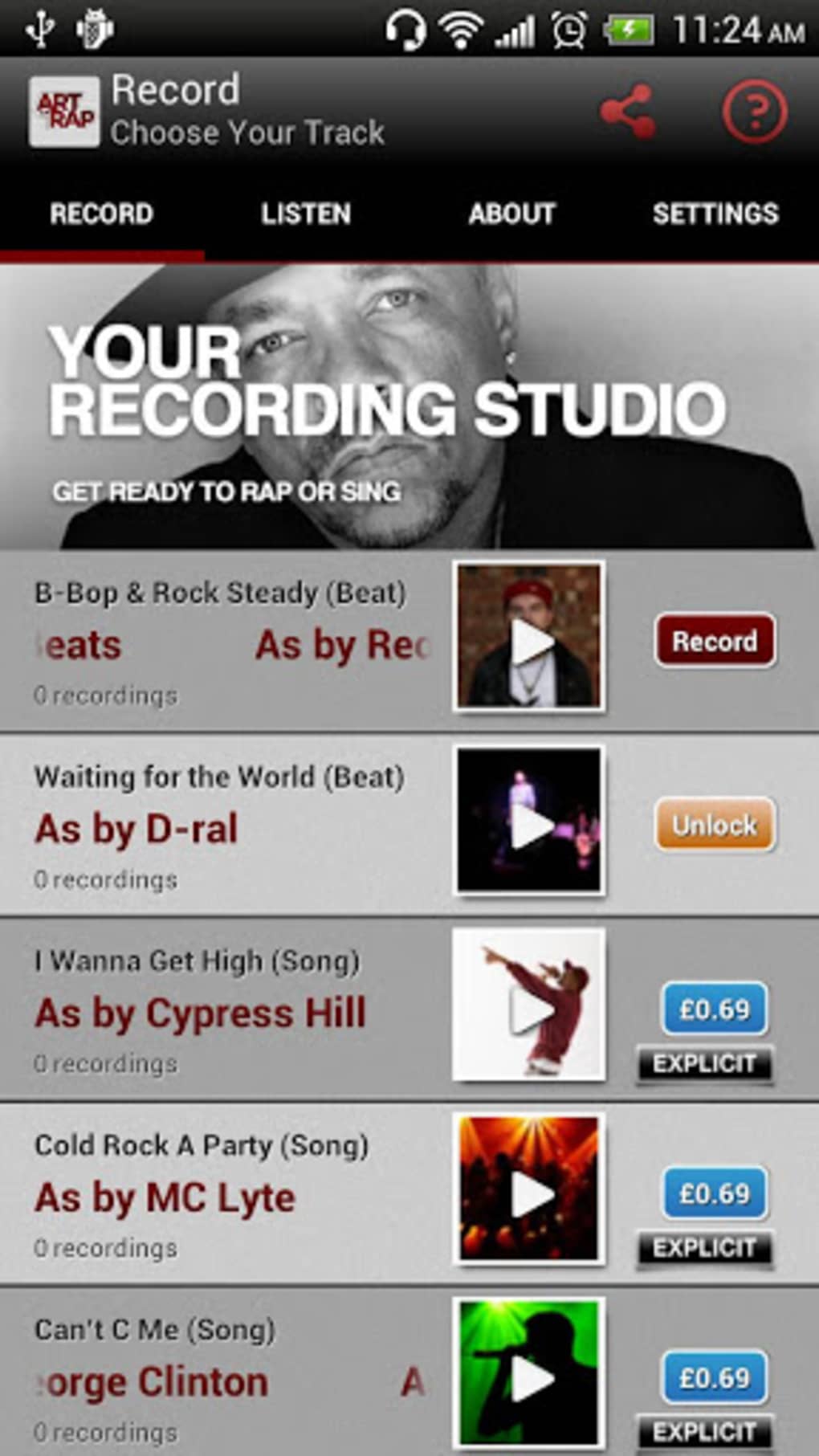
- Beat Library – Access a collection of instrumentals from legendary rappers including 2Pac, Cypress Hill, and Snoop Dogg. Users can select tracks to rap over, enabling immediate creative engagement.
- Recording & Dubbing – Record original rap verses directly within the app, allowing users to perform and layer vocals over beats in real time.
- Audio Adjustment Tools – Control voice and music volume independently, enabling balanced mixing during recording and playback.
- Audio Effects – Apply simple voice effects to enhance vocal performance, with options to modify tone and presence for a more dynamic output.
- Sharing & Community Features – Share original raps with other users and explore creations made by others within the app’s ecosystem.
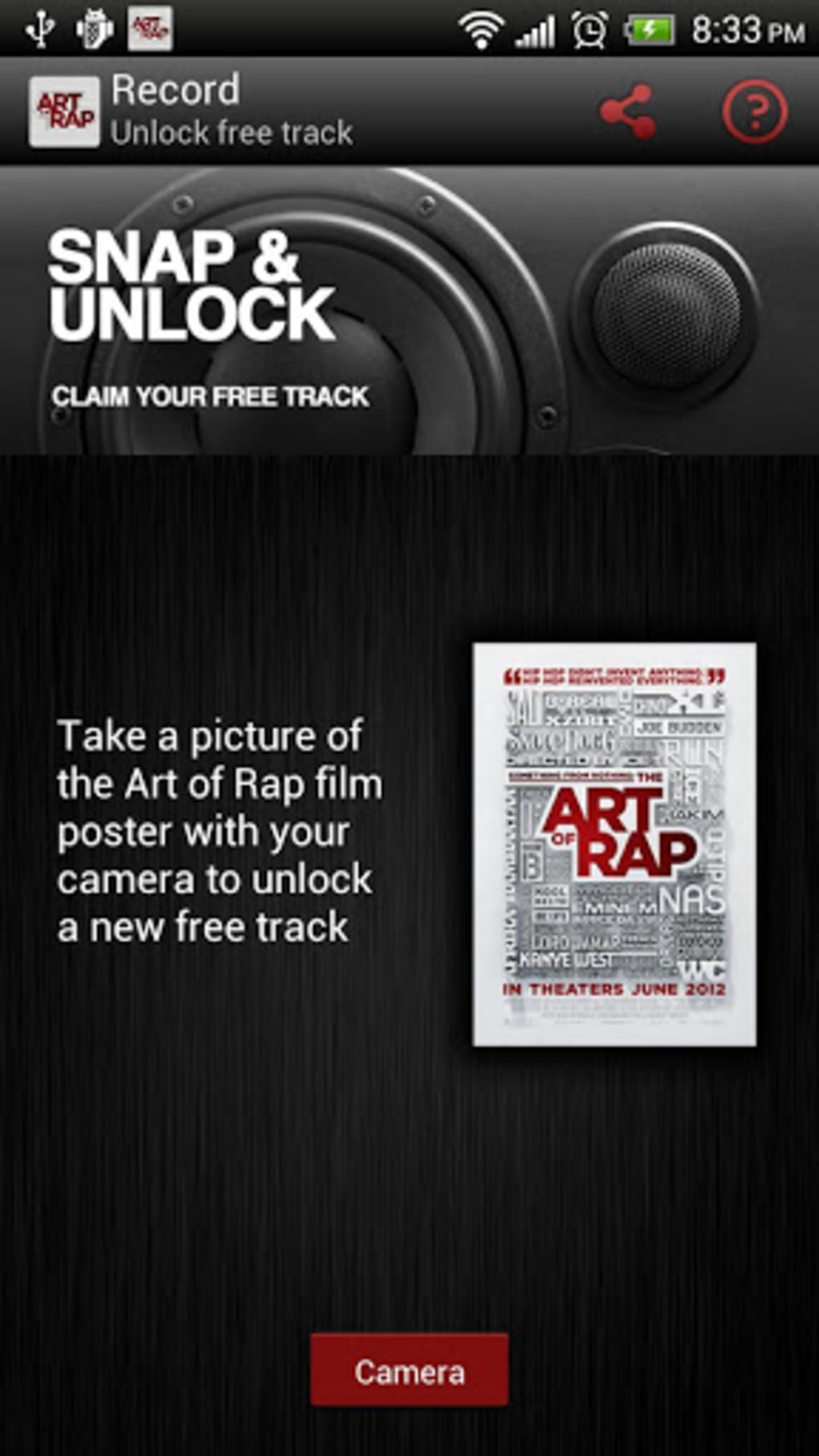
- Free & Paid Content – A selection of beats is available at no cost, while additional tracks require purchase, offering flexibility in content access.
These features are ideal for users who want to experiment with rap performance without the need for professional recording equipment. For example, a student could use the app to practice lyrical delivery in a music class, while a hobbyist might record a freestyle session at home. The integration of real hip-hop beats from influential artists adds authenticity to the experience. The ability to adjust volume and apply effects helps users refine their recordings even on basic hardware. Although the app does not include advanced audio editing tools, the core features are well-suited for casual music creation and personal expression.
User Interface, Workflow & Performance
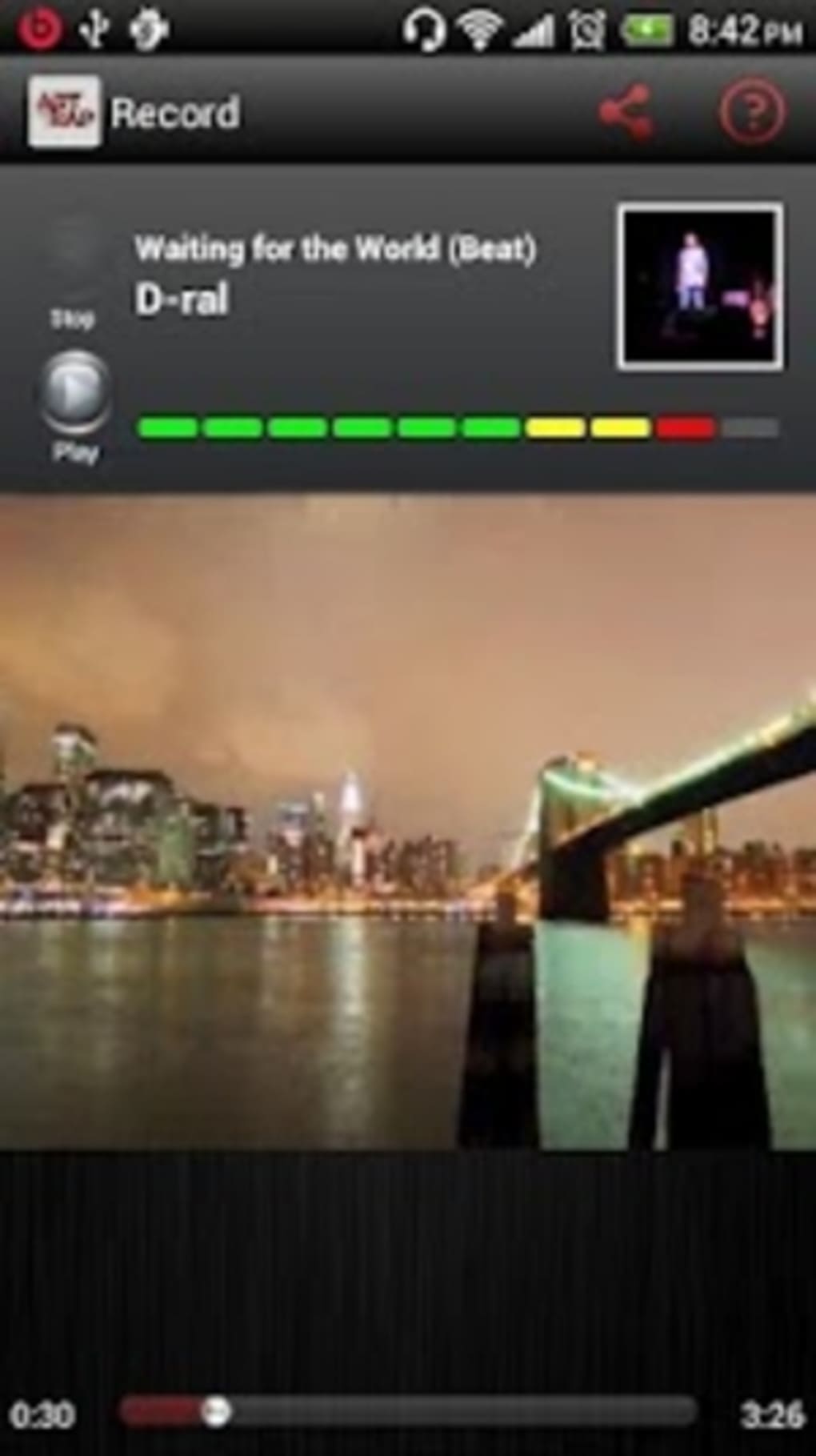
The user interface of The Art of Rap is designed with simplicity and accessibility in mind, focusing on intuitive navigation for users of all experience levels. The main screen likely presents a clean layout with visible controls for selecting beats, starting and stopping recordings, and adjusting audio settings. Navigation appears to be streamlined, allowing users to move between tracks, recording functions, and shared content with minimal effort. The workflow is linear: choose a beat, start recording, apply effects, and then share or save the track. This structure supports spontaneous creativity, making it easy for users to jump in and begin rapping immediately. The developer did not specify resource usage details, so exact performance metrics such as CPU or RAM consumption remain unknown. General software behavior suggests stable operation under typical conditions, though actual performance may vary based on device capabilities. Stability and responsiveness are expected to be consistent for users with standard computing hardware. The app’s performance is likely optimized for smooth playback and recording, but specific benchmarks were not provided.
Compatibility & System Requirements
The Art of Rap is available for desktop platforms, though the exact operating systems are not specified in the provided information. The software version and installation size were not disclosed. The developer did not provide a detailed list of hardware requirements or system specifications. Compatibility information is limited to the general context of desktop applications. Users are advised to ensure their device meets standard requirements for running multimedia software. The developer did not specify whether the app supports Windows, Mac, or other platforms. Exact performance details were not specified. For users seeking clarity on compatibility, it is recommended to consult the official source for the latest version and installation guide.
Pros and Cons
Pros
- Offers authentic beats from legendary hip-hop artists like 2Pac and Snoop Dogg.
- Simple, intuitive interface ideal for beginners and casual users.
- Includes both free and paid content for flexible access.
- Enables recording, mixing, and sharing of original rap tracks.
- Provides basic audio effects to enhance vocal performance.
Cons
- Advanced audio editing and effects are not available.
- Limited system requirements and compatibility details provided.
- Performance behavior under different hardware conditions is unknown.
- App may not support all desktop operating systems.
- Sound quality depends heavily on user device and recording environment.
FAQ Section
Is The Art of Rap available for Windows and Mac?
Compatibility information is limited. The software is designed for desktop use, but specific operating system support was not provided.
Can I use The Art of Rap offline?
Yes, once the beats are downloaded, users can record and edit raps without an internet connection.
Is the software secure to download and use?
The app is presented as a legitimate desktop tool with a focus on creative expression. Users should download from official sources to ensure safety.
How often are updates released?
Update frequency was not specified. Users are encouraged to check for the latest version through the official distribution channel.
What type of license does The Art of Rap use?
The licensing model was not disclosed. The app includes both free and paid content, suggesting a hybrid access model.
Final Thoughts
The Art of Rap delivers a focused, engaging experience for fans of hip-hop and creative music expression. With its curated beats from iconic rappers, simple recording tools, and community-sharing features, the app stands out as a unique desktop utility for those passionate about rap. While it lacks advanced audio editing capabilities, its strengths lie in accessibility and inspiration. The blend of educational value and entertainment makes it suitable for students, educators, and hobbyists alike. The absence of detailed system requirements or performance data is a limitation, but the app’s design prioritizes ease of use over technical complexity. For rap lovers seeking a fun, creative outlet, The Art of Rap is a compelling choice. It captures the spirit of improvisation and lyrical artistry celebrated in the documentary. Download The Art of Rap now.
Guides & Tutorials for The Art of Rap
How to install The Art of Rap
- Click the Preview / Download button above.
- Once redirected, accept the terms and click Install.
- Wait for the The Art of Rap download to finish on your device.
How to use The Art of Rap
This software is primarily used for its core features described above. Open the app after installation to explore its capabilities.
User Reviews for The Art of Rap 0
No reviews found





